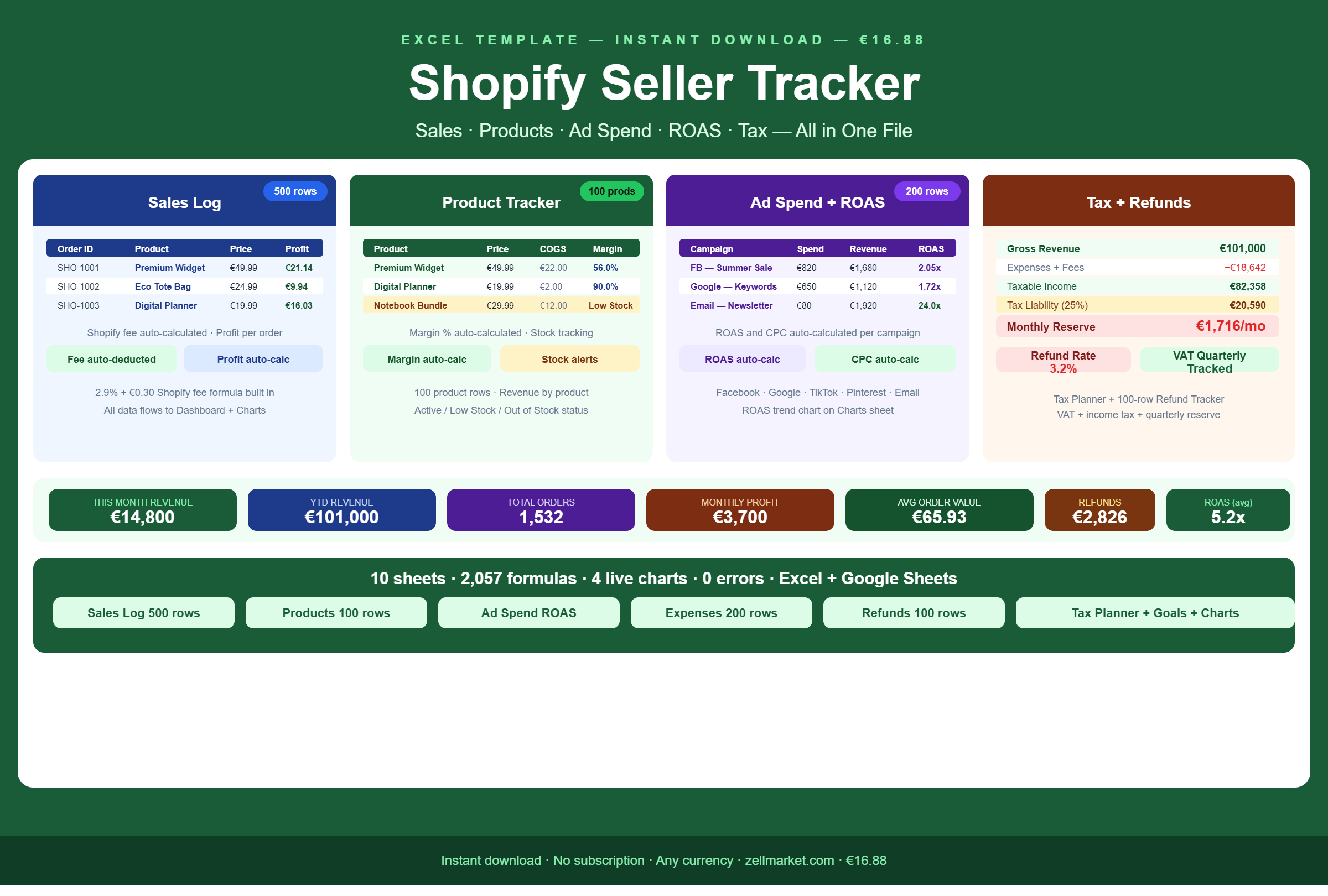
The complete financial tracking system for Shopify store owners. Log every order, track product margins, monitor ad spend and ROAS, manage refunds and plan your tax — all in one professional Excel file. 10 sheets, 2,057 formulas, 4 live charts, 0 errors. Works in Excel and Google Sheets. Instant download.
🛒 SHOPIFY SELLER TRACKER — EXCEL TEMPLATE
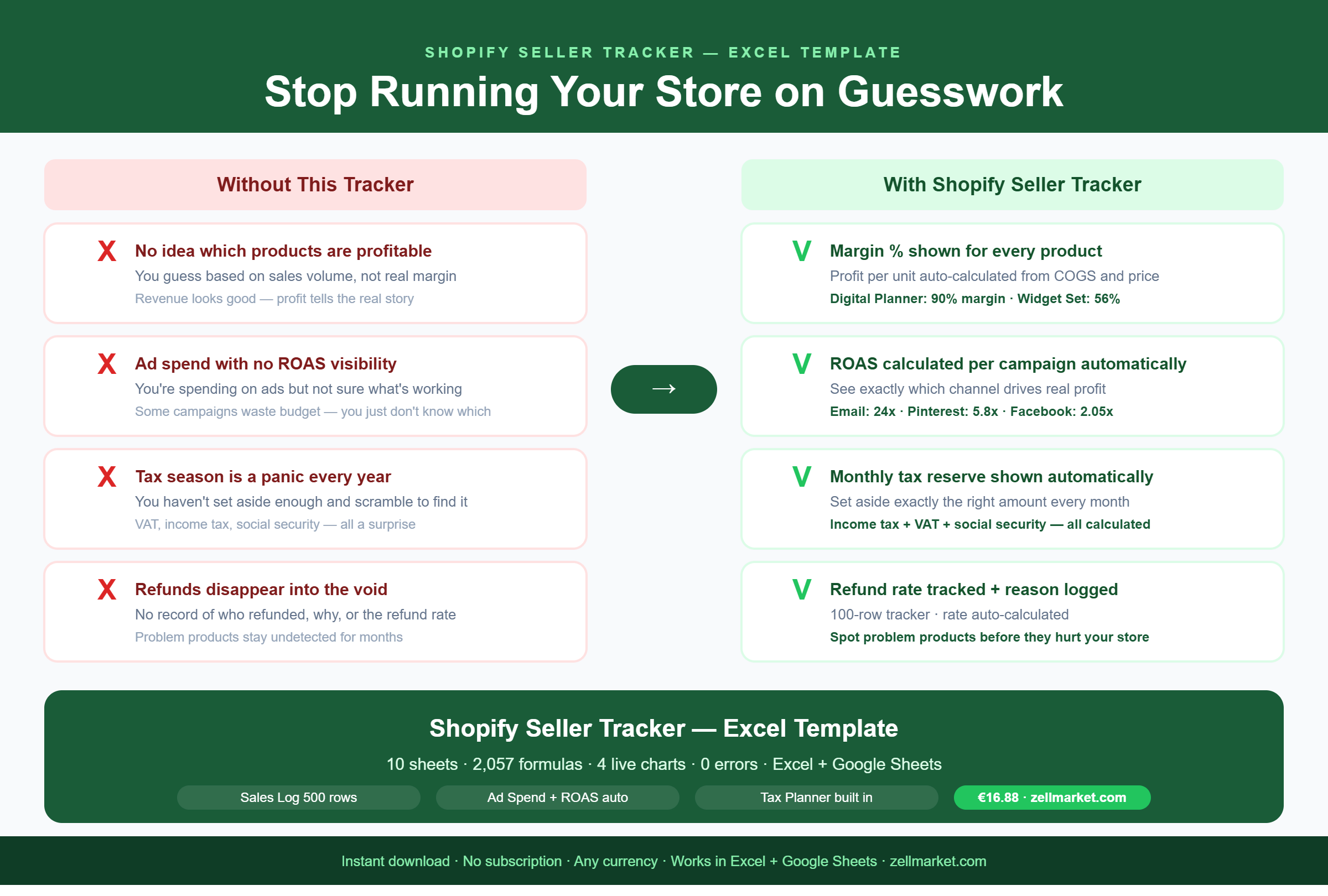
Stop running your Shopify store on guesswork.
This tracker gives you the full financial picture:
which products are most profitable, which ad
campaigns are worth running, what your real
margins are — and exactly how much tax to set aside.
Everything updates automatically. Enter your data
once and every total, chart and calculation
adjusts itself.
───────────────────────────────────────
10 SHEETS — EVERYTHING IN ONE FILE
───────────────────────────────────────
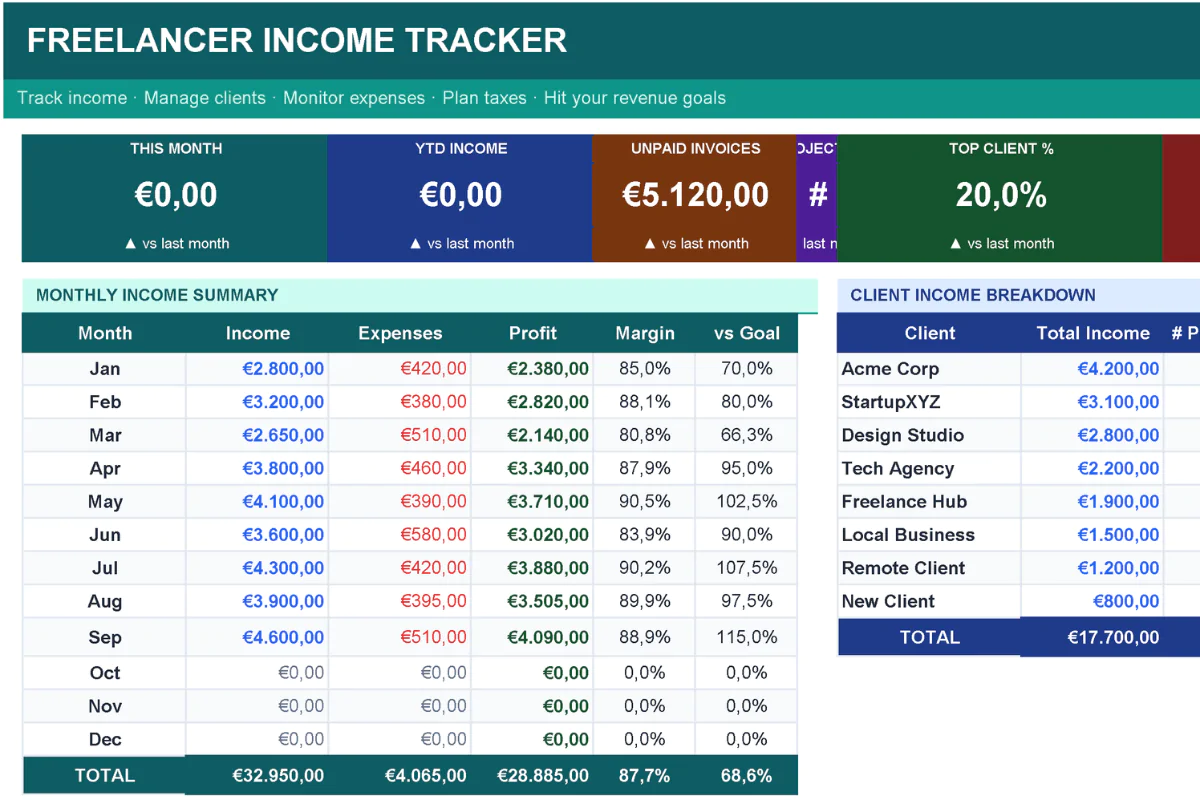
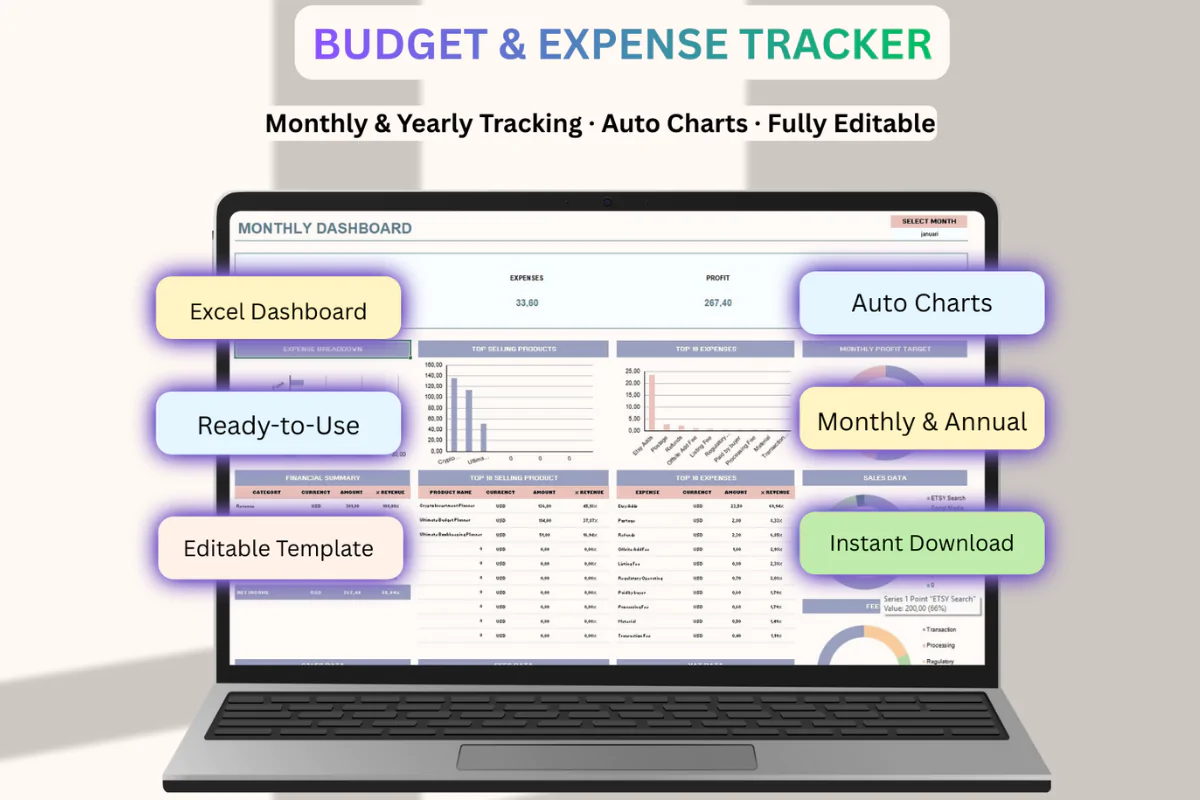
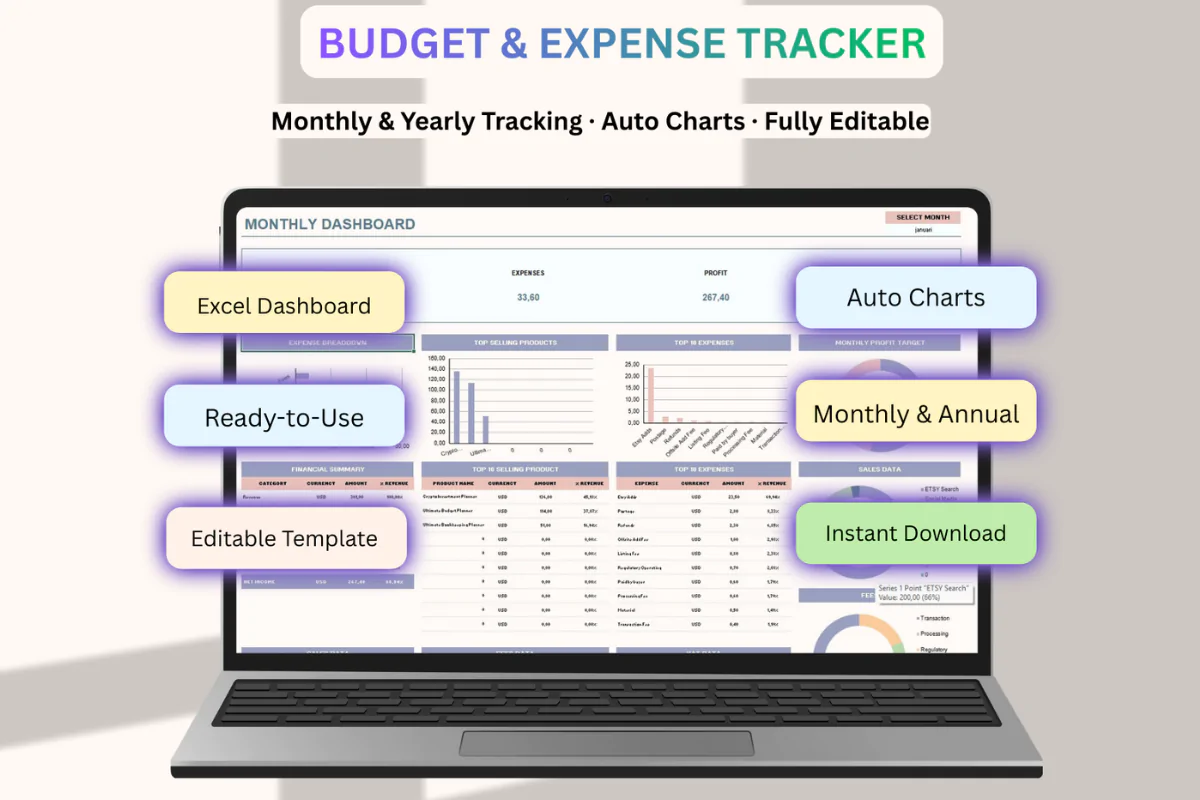
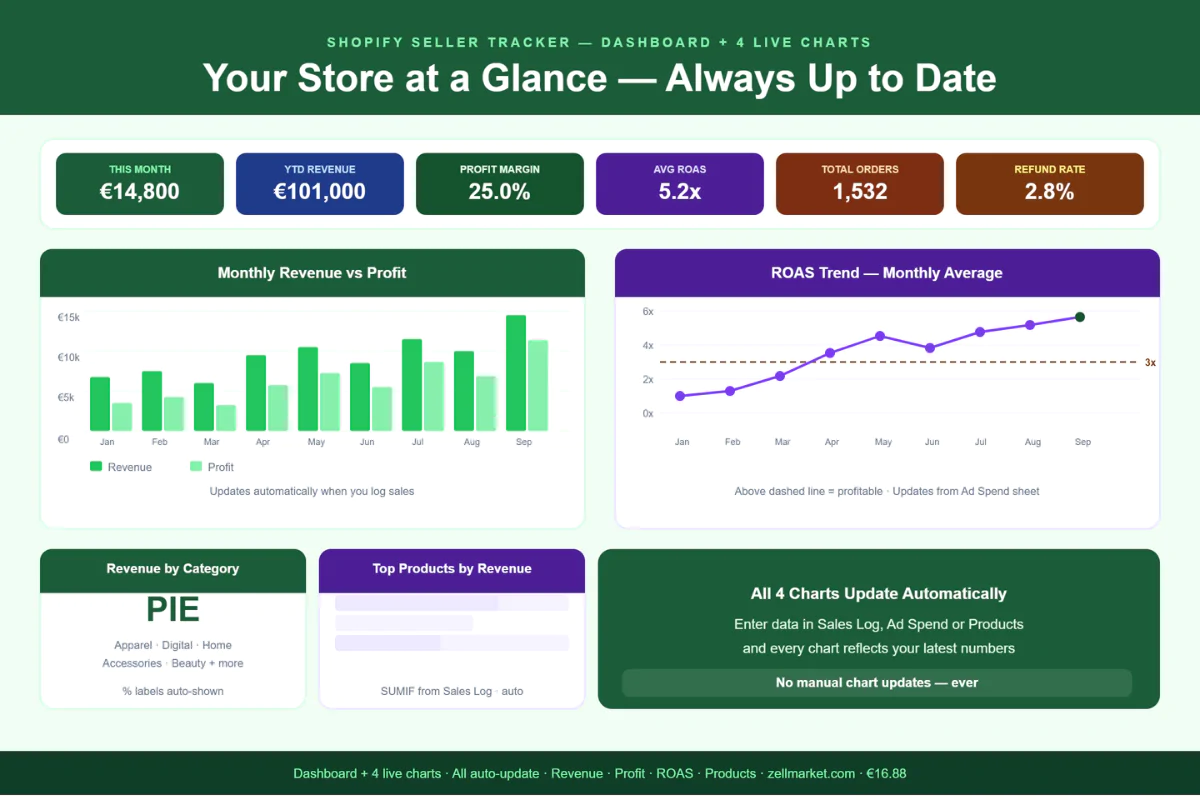
📊 DASHBOARD
Six auto-calculated KPI cards show your key numbers
at a glance: this month's revenue, YTD revenue,
monthly profit, total orders, average order value
and total refunds. Monthly performance table tracks
revenue, profit, margin, ad spend, ROAS and refunds
for all 12 months. Top 10 products by revenue on
the right side, with status, margin and units sold.
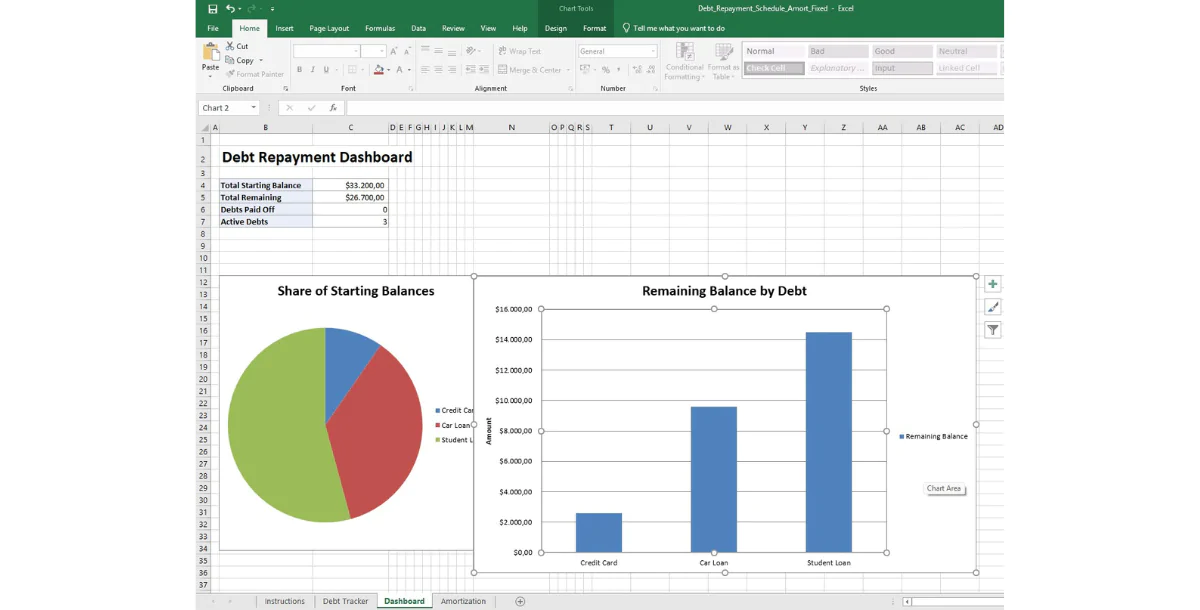
📈 CHARTS (4 Live Visual Analytics)
Four charts that update automatically:
· Monthly Revenue vs Profit — bar chart for 12 months
· ROAS Trend — line chart showing ad efficiency over time
· Revenue by Category — pie chart of your product mix
· Top Products by Revenue — horizontal bar chart
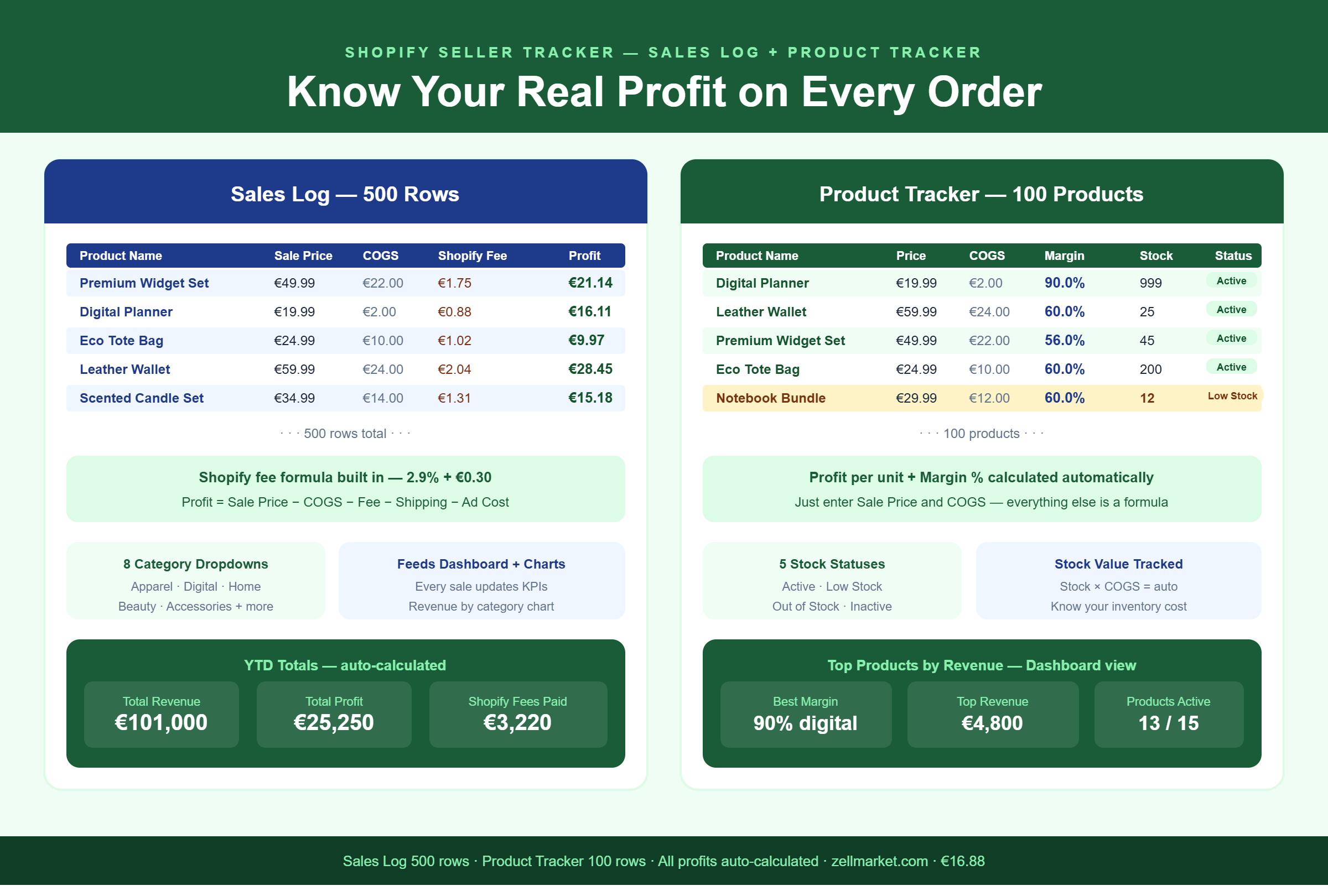
💰 SALES LOG (500 rows)
Log every Shopify order. Enter the sale price,
COGS, shipping cost and ad cost — the Shopify
transaction fee (2.9% + €0.30) and profit per
order calculate automatically. 8 product category
dropdowns. All data feeds the Dashboard and Charts
automatically.
📦 PRODUCT TRACKER (100 products)
Track every product with sale price, cost of goods,
units sold, stock level and total revenue. Profit
per unit and margin percentage calculate
automatically. Stock status: Active, Low Stock,
Out of Stock, Inactive. See at a glance which
products are your most profitable.
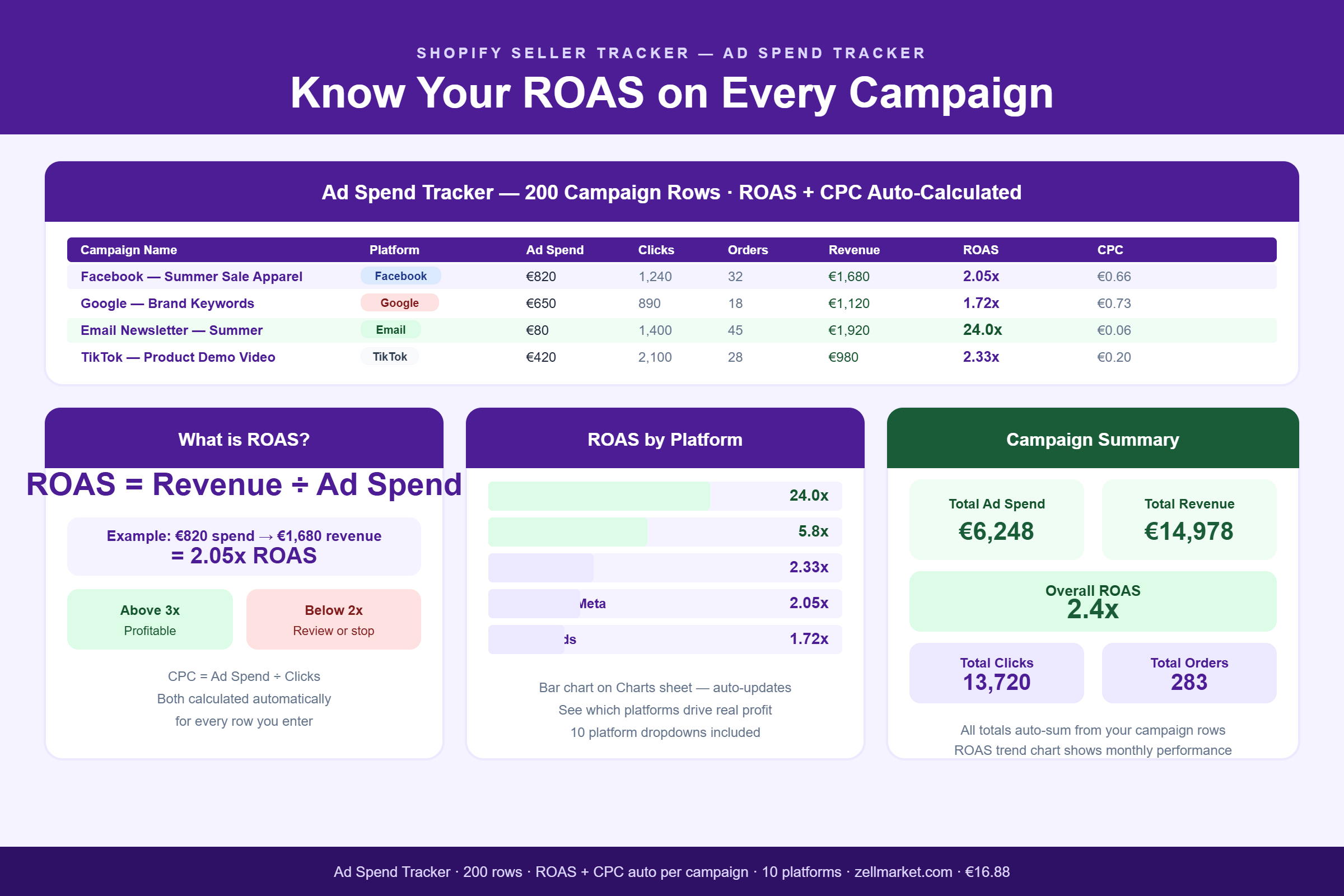
📣 AD SPEND TRACKER (200 rows)
Log every ad campaign across all platforms —
Facebook, Google, TikTok, Pinterest, Instagram,
Email and more. ROAS (Return on Ad Spend) and CPC
(Cost per Click) calculate automatically for every
campaign. Instantly see which channels are
profitable and which are wasting budget.
💸 EXPENSE TRACKER (200 rows)
Track all business costs with 12 categories:
Shopify subscription, apps, payment processing,
shipping supplies, photography, legal, storage and
more. Tax Deductible flag reduces your taxable
income. Budget vs actual column keeps spending
on track. Total feeds into Tax Planner automatically.
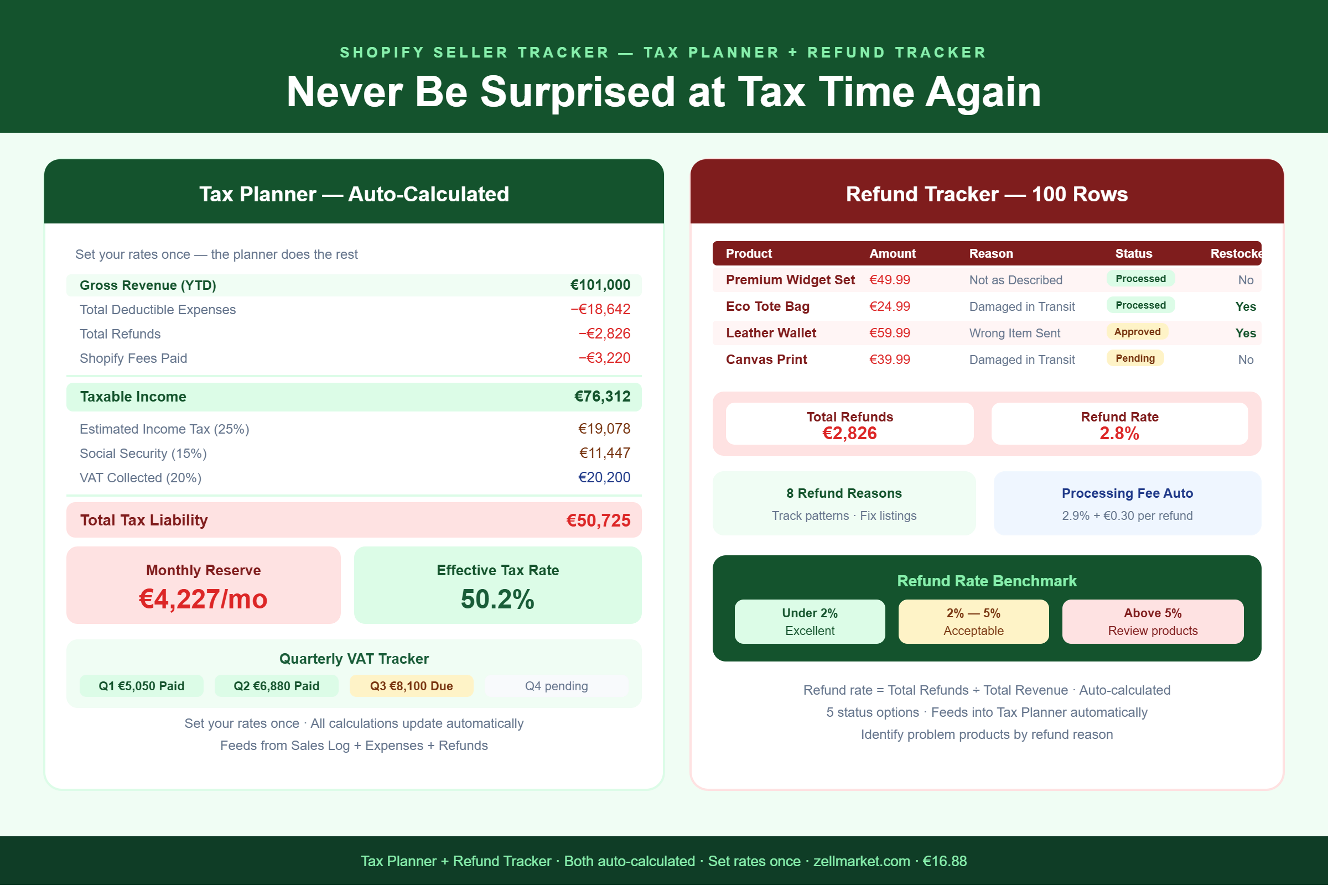
🔄 REFUND TRACKER (100 rows)
Log every refund and return. Track reason, status
and whether items were restocked. Processing fee
auto-calculated. Refund rate calculated against
total revenue so you always know your return rate.
🧮 TAX PLANNER
Set your income tax rate, VAT rate and social
security rate once. The planner automatically
calculates: gross revenue, total deductible
expenses, taxable income, income tax, VAT and your
exact monthly reserve amount. Quarterly VAT tracker
shows what to set aside every three months.
🎯 GOALS TRACKER
Set annual revenue, profit, ROAS and margin targets.
Progress percentage calculated automatically. Know
at a glance whether your store is on track, ahead
or behind each goal.
📖 INSTRUCTIONS
Seven-section setup guide covering every sheet:
Getting Started, Sales Log Tips, Product Tracker,
Ad Spend, Refunds, Tax Planner and Colour Coding.
───────────────────────────────────────
KEY FEATURES
───────────────────────────────────────
✓ Shopify transaction fee formula built in
(2.9% + €0.30 per order — auto-calculated)
✓ ROAS and CPC auto-calculated per campaign
✓ Profit per order auto-calculated
✓ Product margin auto-calculated
✓ Refund rate auto-calculated
✓ Tax liability + monthly reserve auto-calculated
✓ 2,057 formulas — 0 errors
✓ 4 charts that update from your data
✓ Colour coded status badges throughout
✓ Dropdown menus for categories, platforms,
status and payment methods
✓ Sample data pre-loaded so you see it working
✓ Any currency — EUR, USD, GBP and more
✓ Works in Microsoft Excel and Google Sheets
✓ Instant download — no subscription needed
───────────────────────────────────────
PERFECT FOR
───────────────────────────────────────
· New Shopify sellers who want to start organised
· Established sellers who have outgrown spreadsheets
· Print-on-demand and dropshipping store owners
· Sellers running paid ads who need ROAS clarity
· Anyone wanting to understand their true margins
· Store owners preparing for tax season
· Sellers scaling from one to multiple products
· Side-hustle sellers tracking extra income
───────────────────────────────────────
HOW IT WORKS
───────────────────────────────────────
1. Open Tax Planner → set your tax and VAT rates
2. Add your products to the Product Tracker
3. Log every Shopify order in the Sales Log
4. Track ad campaigns in Ad Spend
5. Log business expenses in the Expenses sheet
6. Check Dashboard and Charts every week
Setup time: approximately 15 minutes.
After that: just log orders as they come in.
───────────────────────────────────────
WHAT'S IN YOUR DOWNLOAD
───────────────────────────────────────
· Shopify_Seller_Tracker.xlsx — 10 sheets,
2,057 formulas, 4 live charts
· Instant download after purchase
· Works in Excel and Google Sheets
· Full instructions sheet included
───────────────────────────────────────
COMPARE THE COST
───────────────────────────────────────
· Shopify analytics apps: €20–80 per month
· Custom-built Excel tracker: €150–400 one-time
· This tracker: €16.88 — yours forever
One identified profitable product or one caught
unprofitable ad campaign pays for this tracker
many times over.
Published:
Mar 28, 2026 05:10 PM
Category:
Tags: